A TikTok comment section collection tool allows users to efficiently collect and export comments from videos, making it ideal for market analysis, engagement tracking, and understanding sentiments.
Understanding the Need for a TikTok Comment Collection Tool
Why Collecting Comments is Important for Engagement and Analysis
Comments are vital as they reflect user engagement on the platform. They provide insights into audience preferences, allowing brands to gauge reactions to their content. For marketers looking to tailor their strategies or analyze trends within their target demographic, collecting these comments is essential.
Choosing the Right Tool for TikTok Comments Extraction
Features to Look For in a Comment Scraping Tool
When selecting a TikTok comment section collection tool, consider features such as:
- Ease of Use: The interface should be intuitive for all users.
- Data Exporting Options: Tools that allow exporting data in formats like CSV or Excel make analysis easier.
- Compatibility with Devices: Ensure the tool works well across different platforms including Android devices and emulators.
Getting Started with MadHub's TikTok Comment Collection Feature
Installation Process on Android Devices or Emulators
To utilize MadHub's powerful capabilities:
- Download MadHub from its official site or app repository compatible with your device.
- Follow installation instructions specific to your Android device—whether it's a physical phone or an emulator.
- Open the application once installed.
How to Use MadHub to Scrape Comments from TikTok Videos
Step-by-Step Instructions for Extracting Comments Efficiently
- Launch MadHub and navigate to the "TikTok Comment Extraction" feature.
- Input the URL of the specific video you want comments from.
- Click "Scrape," which will begin collecting comments automatically.
- Once completed, choose your preferred format (CSV/Excel) for exportation.
This process ensures you capture all relevant commentary without manual work.
Configuring Parameters for Optimal Data Collection
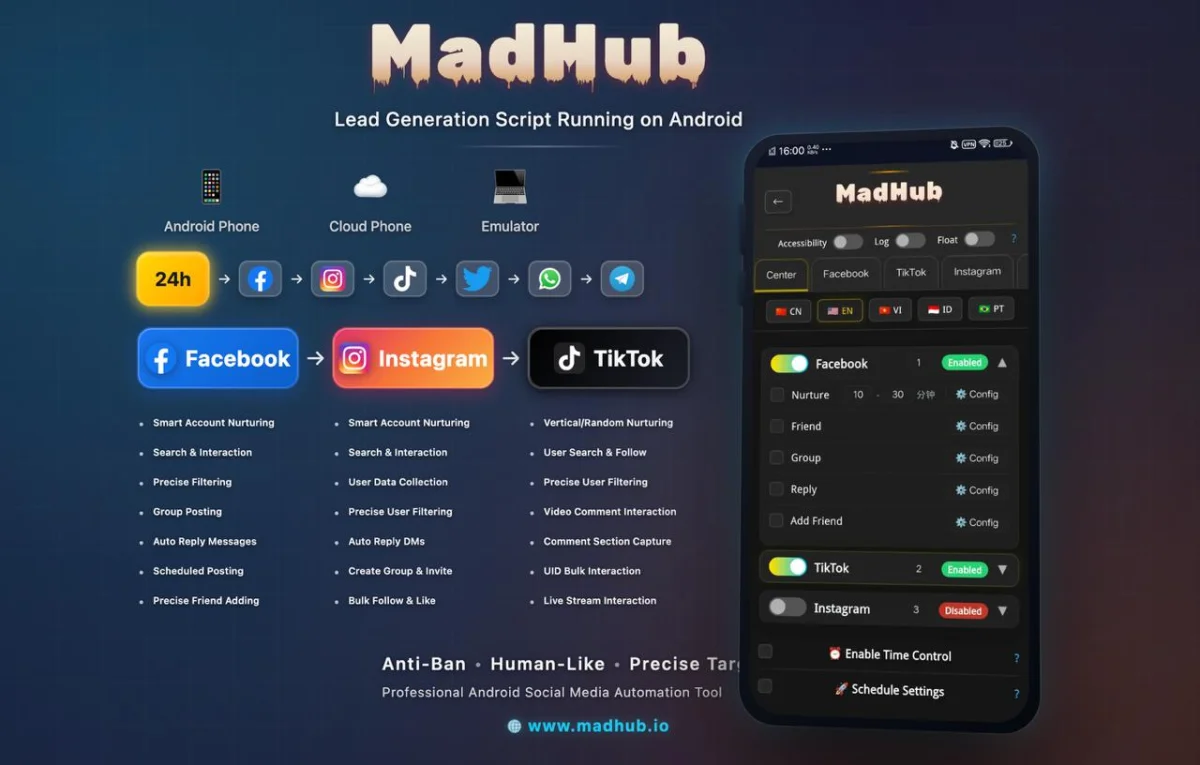
Setting Limits and Filters While Extracting Data
MadHub allows users to configure scraping parameters effectively:
- Set limits on how many comments you wish to extract based on your needs (e.g., maximum 500 comments). This customization helps refine data collection so you're only gathering what's truly valuable.
Analyzing the Collected Data
Organizing Your Exported Comments into Usable Formats
Once you've exported your collected data:
- Open it using software like Microsoft Excel or Google Sheets.
- Organize columns based on date, user ID, comment text etc., facilitating easier analysis moving forward.
- Consider applying analytical tools if deeper insights are required regarding sentiment trends over time.
These steps ensure that extracted data can be utilized effectively by marketing teams seeking actionable insights.
Real-Life Examples of Using Collected Comments for Marketing Insights
Case Studies Highlighting Successful Campaigns Driven by User Feedback
Troubleshooting Common Issues When Collecting TikTok Comments
Solutions to Frequent Problems Users Encounter During Extraction
While scraping can often yield significant benefits:
- You may face access limitations if encountering accounts set private; solutions include utilizing public accounts where applicable instead!
- Another common issue includes receiving incomplete datasets stemming from network restrictions—ensure stable connections before initiating scrapes!
MadHub provides customer support resources helping resolve these issues quickly ensuring seamless operations uninterruptedly throughout usage sessions promoting efficient data handling practices towards successful outcomes!